Lesson B1 — Discovery: make snAIl move
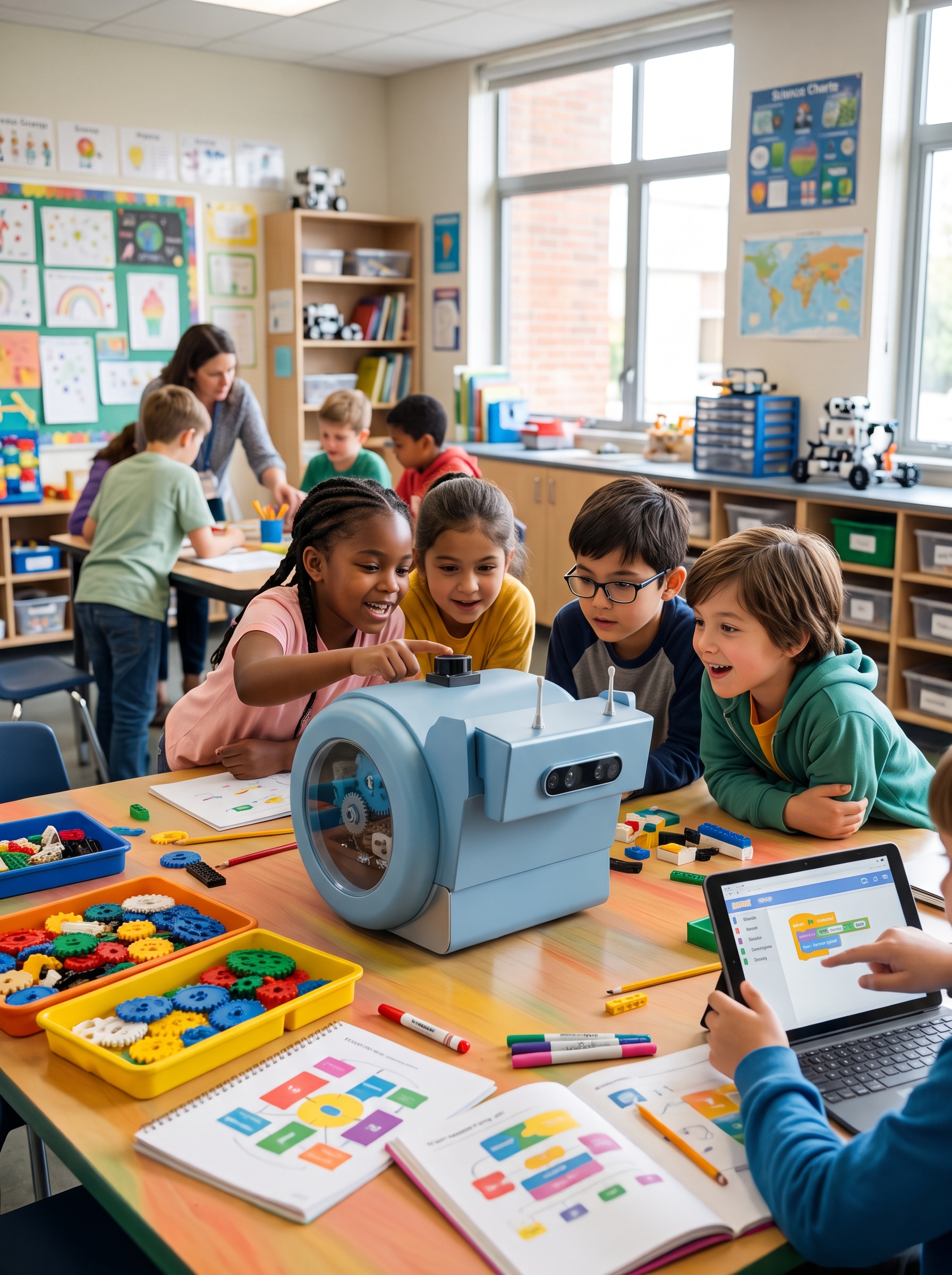
| Track | Blocks (ages 8–12) |
| Duration | 1 h |
| Group size | 3–4 students per robot |
| Prerequisites | None |
Objectives
By the end of the session, students can:
- connect the tablet or computer to the robot's Wi-Fi hotspot;
- assemble a sequence of "move", "turn" and "wait" blocks;
- predict the robot's path before running the program;
- explain the difference between translation and rotation.
Materials
- 1 charged snAIl robot per group;
- 1 tablet or computer per group, with the blocks interface;
- a clear space of about 2 m × 2 m per robot;
- colored tape to mark a course on the floor.
Session plan
1. Who is snAIl? (10 min)
Introduce the robot: its special wheel that lets it move forward and spin in place, its "eyes" (the camera), its antennas. Ask the students: "How do you tell a robot what to do?"
2. Connecting (10 min)
Each group connects its tablet to the robot's Wi-Fi (the robot creates its own network — show its name). Check that the blocks interface shows "robot connected".
3. First program (20 min)
Students assemble their first sequence:
when [flag] clicked
  move forward 50 cm
  turn 90°
  move forward 50 cm
Golden rule: predict before you run. Each group draws the expected path on paper, then runs the program and compares.
4. Challenge: the square (15 min)
Challenge: make the robot drive a full square and return to its starting point. Fast groups try the triangle (hint: the angle is no longer 90°).
5. Wrap-up (5 min)
Each group shows its course. Questions: "What surprised you?", "What would you do differently?"
Going further
Add a block "if the bumper is touched, stop": a first encounter with sensors, the topic of lesson B2.
For the teacher
The exact blocks depend on the interface version; adapt the screenshots and block names to your setup. The plan and objectives stay the same.