Lesson P1 — First steps in Python with snAIl
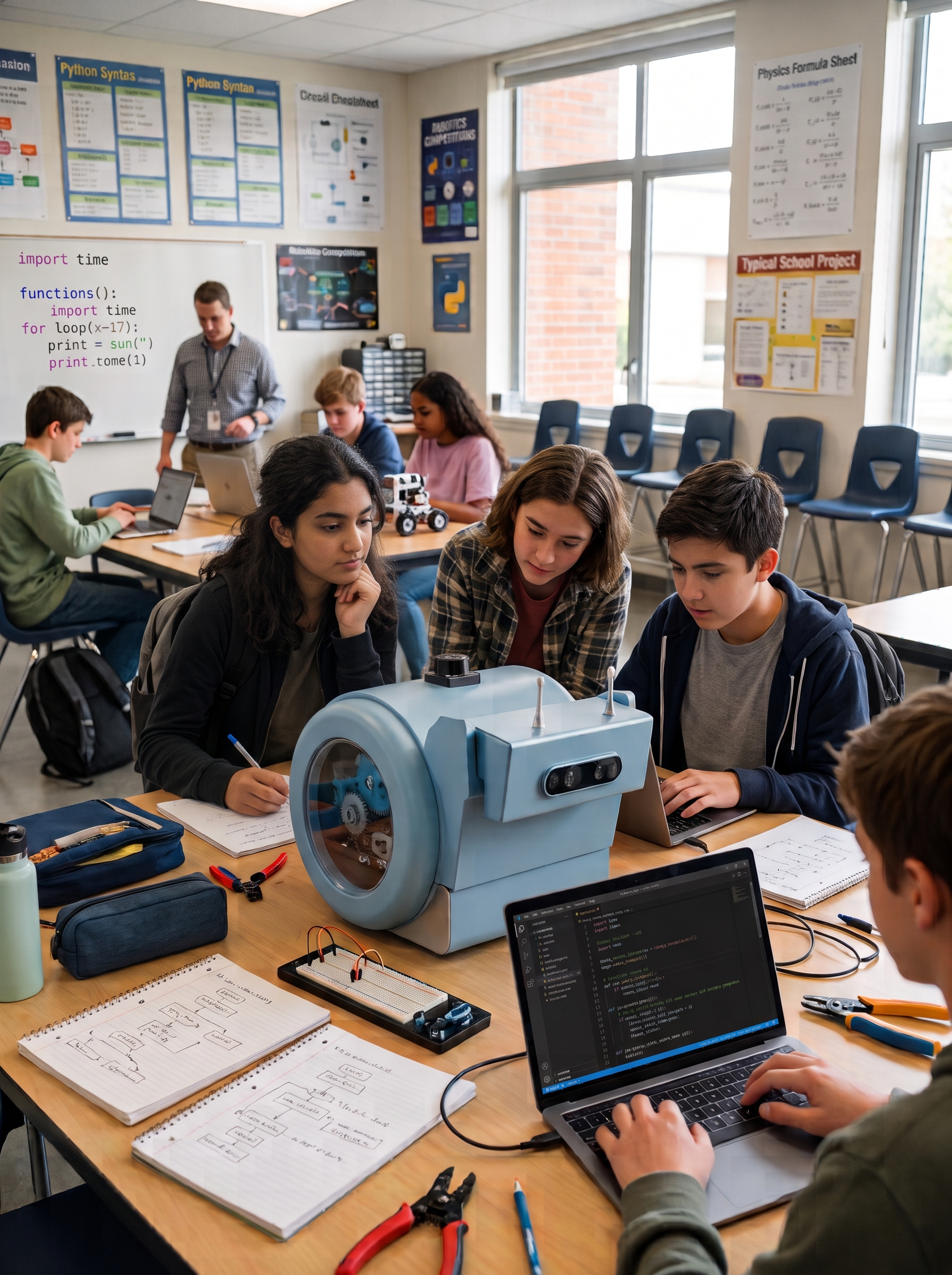
| Track | Python (ages 13–17) |
| Duration | 1 h 30 |
| Group size | Pairs, 1 robot per 2–3 pairs |
| Prerequisites | Python basics (variables, loops) |
Objectives
By the end of the session, students can:
- connect to the robot from Python through its Wi-Fi hotspot;
- command a translation and a rotation;
- read an ultrasonic distance measurement;
- write a loop "move forward while the way is clear".
Materials
- 1 charged snAIl robot per 2–3 pairs (rotate turns);
- 1 computer per pair with Python 3 and the snAIl library installed;
- one obstacle (cardboard box) per station.
Session plan
1. From blocks to code (10 min)
A reminder for those coming from the blocks track: each block maps to a line of code. Show a block program and its Python equivalent side by side.
2. Connecting and first script (25 min)
Connect the computer to the robot's Wi-Fi, then:
from snail import Robot

robot = Robot()          # connects through the hotspot
robot.forward(0.5)       # translation: 50 cm
robot.turn(90)           # rotation: 90 degrees
robot.forward(0.5)
Each pair changes the values and observes. Predict before you run, just like in the blocks track.
3. Reading a sensor (20 min)
distance = robot.ultrasonic()   # distance to the obstacle, in meters
print(f"Obstacle at {distance:.2f} m")
Measure the distance to a box, move it closer, measure again. Discussion: accuracy, limits of the sensor.
4. Challenge: stop before the obstacle (25 min)
Write a loop that moves the robot forward while the way is clear, and stops it 20 cm from the obstacle:
while robot.ultrasonic() > 0.20:
    robot.step_forward()
robot.stop()
Fast pairs: drive around the obstacle (turn, move, turn back).
5. Wrap-up (10 min)
Demos. Opening question: "What if the robot used its 3D camera instead of the ultrasonics?" — that is the topic of the vision lessons.
For the teacher
The function names (forward, turn, ultrasonic…) must be adapted to the real snAIl library API; the structure of the session stays the same.